


PEX Build Surface - Bambu Lab - 258 x 258
USA Customers Get Free Shipping for Orders Over $200
Couldn't load pickup availability
Product Details
Fits: Bambu Lab A1, X1 Series, P1, P2S, X2D Series
(Please see full printer list below on the 'Fits & Contents' tab)
We have developed the Wham Bam PEX Build Surface from a specially formulated polymer with a higher melt point than PEI that attracts most any filament without damaging the sheet. Prints easily pop off once cooled and flexed. This 0.35mm thick PEX build surface sheet is pre-backed with 3M adhesive and can be used as a replacement for your Flexi Plate or applied to the opposite side of your non-textured plate.
Flexi Plate sold separately.
• Bambu Lab A1
• Bambu Lab P1P
• Bambu Lab P1PS
• Bambu Lab X1
• Bambu Lab X1 Carbon (or X1C)
• Bambu Lab X1E
• Bambu Lab P2S
Bambu Lab X2D
• Elegoo Centauri Carbon*
• TwoTrees SK1**
*The Flexi Plate fits the X (width) of the plate perfectly, but is about 5mm short of the Y. When centered, it would cover the 256 build volume.
**Exact fit but without alignment tab.
Do you have a printer similar to what's listed under Printer Fits or May Fit?If you have a printer similar to the one described above and believe our solution could work for your printer, please follow our easy instructions on measuring your build plate. Let us know if your printer matches our specifications or is even close! We’d love to hear about it, and you might even receive a discount on Wham Bam® merchandise for your efforts. Click here for more info.

- 1 PEX Build Surface
- 258 x 258 mm
- PEX Build Surface 0.35 mm
Note: This PEX build surface sheet can be used as a replacement for your Flexi Plate or applied to the opposite side of your non-textured plate.
Install of the build surface:
First Use:
Make sure to rough up the PEX surface with 000 steel wool or red Composite Abrasive Pad (CAP is version 7447). On the first preparation, you will need to scuff in circles for 4-5 minutes until you have an even satin matte finish without seeing individual scratches with very little reflection. Clean repetitively with isopropyl alcohol >90% and a fresh/clean paper towel. Do not use other rags, microfiber, wipes, or towels.
If your machine has automatic bed leveling, run the leveling process and set your gap such that the first layer is well squished. For more details on achieving the right first layer squish, refer to this bed leveling guide.
If your printer uses manual leveling, follow the same guide for instructions on the leveling process.
Always read your filament spool label
Your hot end temperatures should be set within the range printed on the side of the spool of filament. The first 3 layers should be toward the lower temperature range to avoid damaging the PEX. For example, if the hot-end range is 200-230° C, start with 215°C or lower and adjust as needed for your first layer. For bed temperatures, stick with the Wham Bam recommended temperatures as shown in the chart below.
When trying a new filament
We always suggest that when changing filament types and brands or adjusting settings, always print a small test cube (or our Mini Whammy) in the far corner of your build surface. If you do not get good adhesion, you may need to adjust your settings or use glue stick to promote adhesion. If it sticks for the full print and comes off easily once cooled, you are probably good to go when printing larger parts. If it bonds too well, adjust your settings, or use glue stick. When in doubt, use glue stick as a barrier layer. PETG and some other filaments, such as ASA, stick too well and typically need a barrier layer.
Printing PETG?
Learn more about problem-free PETG printing on our PEX
Full support info can be found on our support page.
Always read your filament spool label
Your hot end temperatures should be set within the range printed on the side of the spool of filament. The first 3 layers should be toward the lower temperature range to avoid damaging the PEX. For example, if the hot-end range is 200-230° C, start with 215°C or lower and adjust as needed for your first layer. For bed temperatures, stick with the Wham Bam recommended temperatures as shown in the chart below.
When trying a new filament
We always suggest that when changing filament types and brands or adjusting settings, always print a small test cube (or our Mini Whammy) in the far corner of your build surface. If you do not get good adhesion, you may need to adjust your settings or use glue stick to promote adhesion. If it sticks for the full print and comes off easily once cooled, you are probably good to go when printing larger parts. If it bonds too well, adjust your settings, or use glue stick. When in doubt, use glue stick as a barrier layer. PETG and some other filaments, such as ASA, stick too well and typically need a barrier layer.
Printing PETG?
Learn more about problem-free PETG printing on our PEX
After every print:
Always wait until the printed part and build plate are completely cool before flexing off and never flex when either is still warm. Never force off a print; always flex carefully once cool to remove the part.
After removing the parts always prepare the PEX for the next print by using either 000 steel wool, CAP pads, or a red Scotchbrite 7447 pad. Scuff for about 10 seconds, then clean with 90% or higher IPA and fresh paper. This will help to remove any traces of filament and prevent contaminant build up. Do not use rags, microfiber, wipes, or towels, please see here.


The nozzle on my Bambu labs cut up into the sheet. My nozzle ettched into it as it was in print mode. Scratches render the sheet useless. My sheet lasted about a month and is an aid to improving layer adhesion and first print layer.
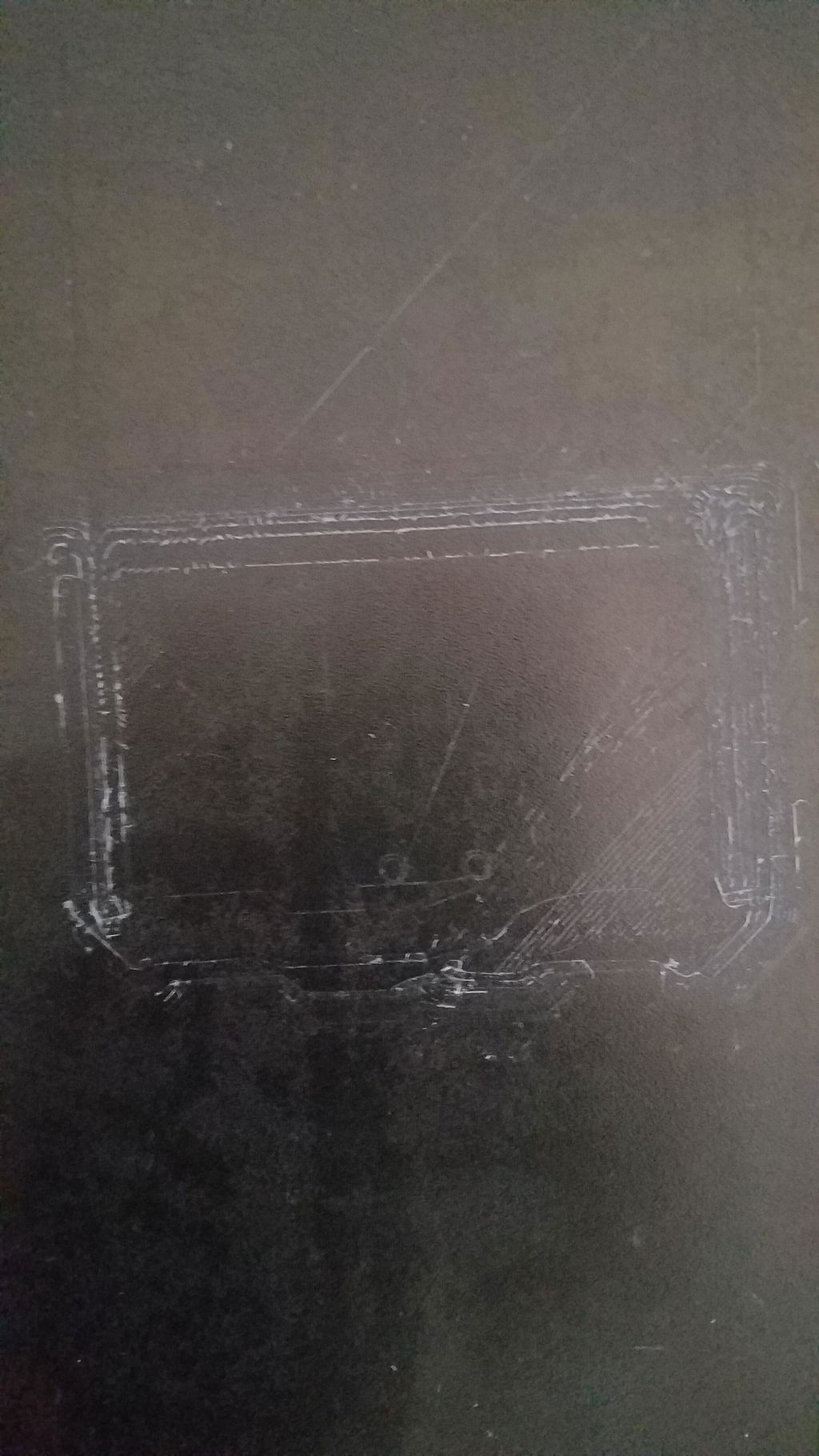
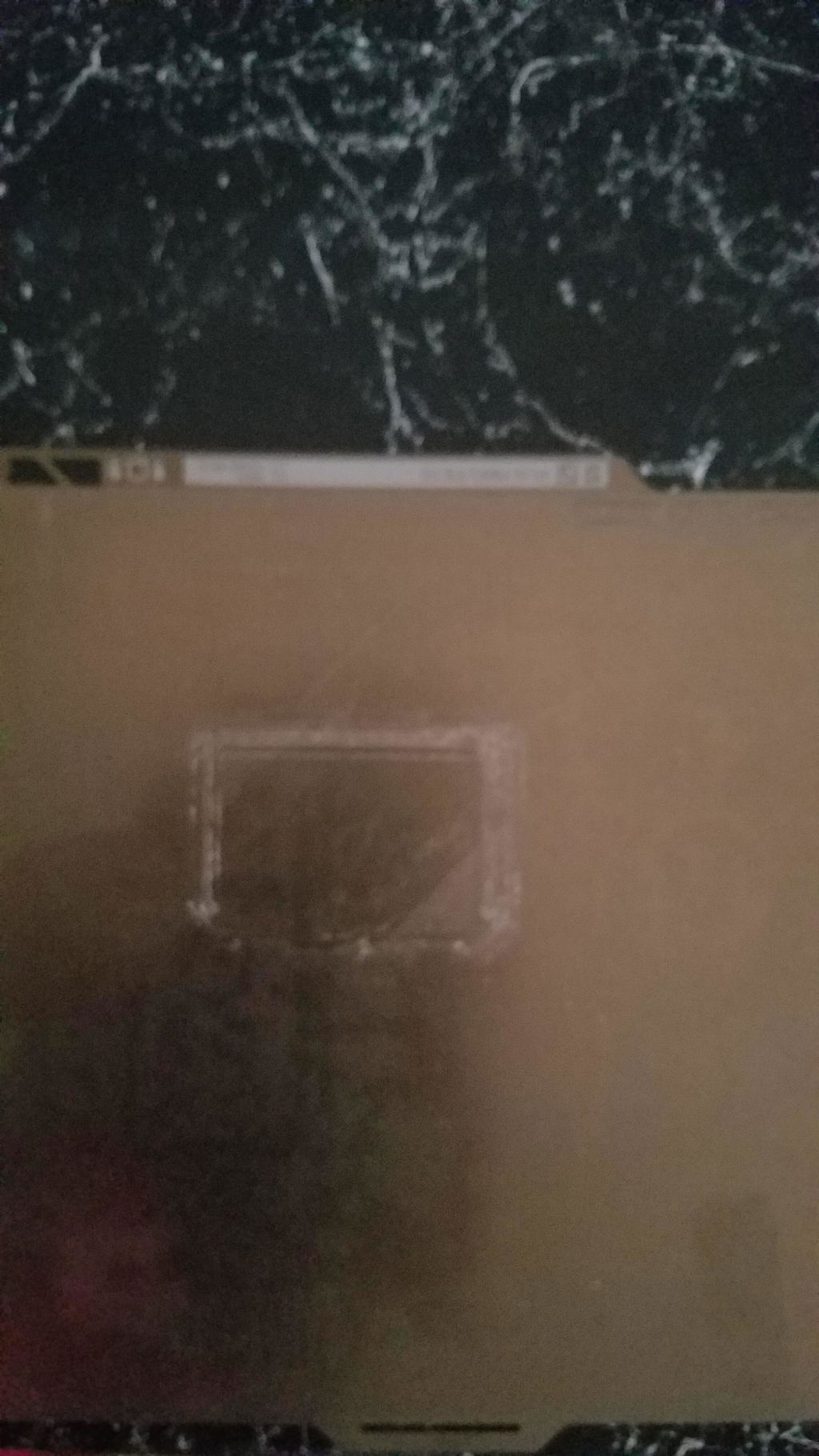
Hi Johnny,
We are sorry to see you are having issues with your nozzle that is damaging all your different Flexi Plates in the same way. Please reach out to our technical support team at technical@whambamsystems.com so they can help you adjust your settings and get back up and printing!
I have upgraded all of my printers to the Wham Bam Pex system. It was pricey,but worth the cost. I have printed PLA and ABS with the suggested temperatures and had great results. A wipe of IPA between prints and ready to go. I have it installed on my two Bambu printers and my two Rat Rigs, waiting on the Prusa XL version
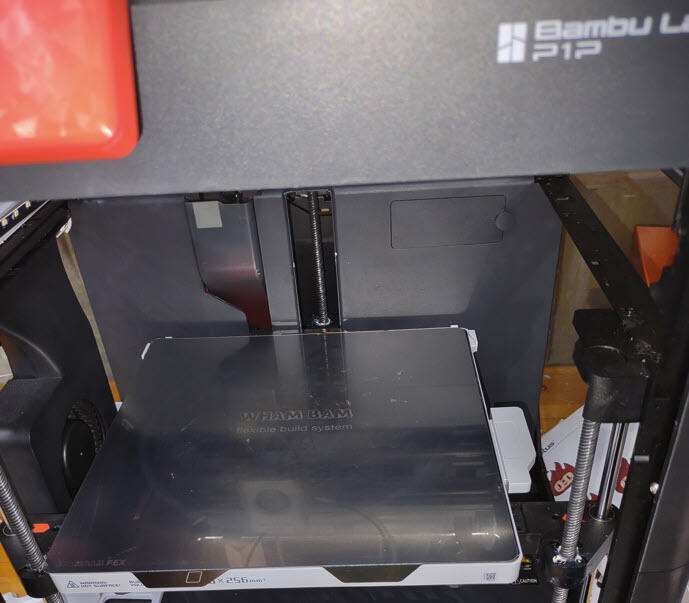
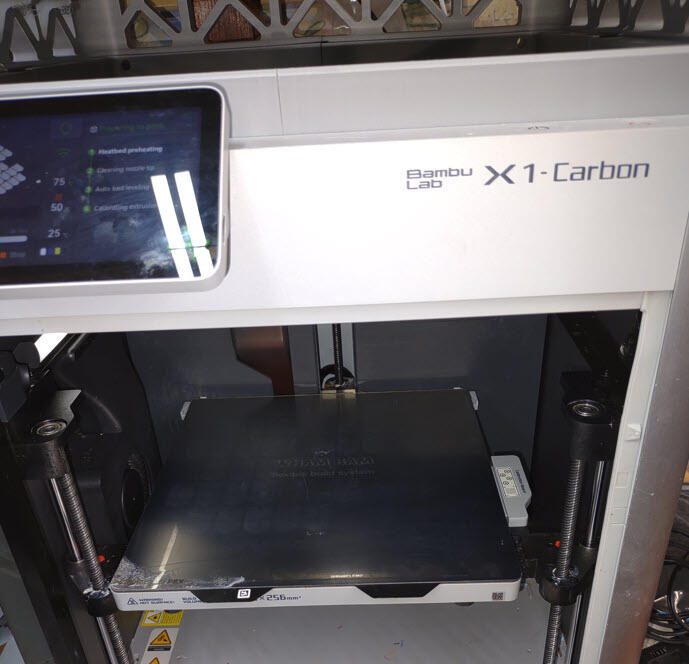
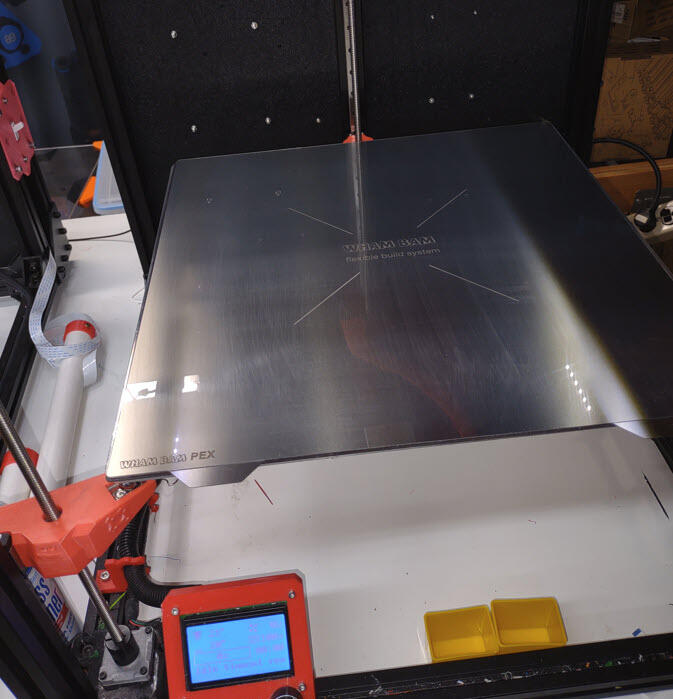
Great product.
I make parts that require a glossy finish and the only way to achieve a true gloss finish was to use resin, which made my thin parts too bulky. The PEX plate creates an amazing gloss finish without any post production.
Told ya, few years back, during my first purchase, that if it was cheaper, I would have bought multiple one. It's cheaper noew, I bought multiple one :)
Great adhesion and glass smooth finish
Didn't realize this wasn't a complete build plate. It's a build "surface" with adhesive backing. I have not been able to use this yet. Maybe it works great, but I may never know.
Chris,
Sorry to hear you had this issue! Please reach out to our customer support at info@whambamsystems.com and we get you a return processed or give you a shipping discount on the Flexi Plate you are missing if you do not have one to install it on.
Arrived and looks good, will replace my old damaged one nicely.
Seriously...this PEX material is magic and will have you questioning your entire life after using it!
Not exactly looking forward to the installation process for this but as long as I can get it on straight I don’t see any reason why it shouldn’t be as good as the pre installed one
Best build surface for the Bambu Lab X1C wasted my money on others.
Works perfectly as expected
PEX Build Surface - 258 x 258 - Bambu Lab X1, X1 Carbon (or X1C), X1E, P1P, and P1PS
It’s not the easiest thing to apply. Just take your time and you’ll do better than I did
C'est un bon produit qui accroche vraiment bien même les petites surfaces avec un rendu de première couche très lisse comme si elle était vernis.
Cependant la surface est très fragile et se raye facilement, un leger frottement suffit et se qui se retranscrit sur la première couche du print.
Sinon c'est un très bon produit que je conseille.
The plate makes all other plates feel like they're made of paper. This plate is twice as thick and pretty much indestructible. I take care of it like this: I clean it with IPA after every print then dose it with Aquanet. Forget that glue crap. It's neat and easy. Things that I want to stick to it do so. Things that I don't, do not.
Best build surface on the market for PLA. I have over 5,000 hours on their pex Plate for my X1C and this one is going over the cool plate for my A1.
All I have used for my printing in the last 6 years is Wham Bam. The quality of their products is stellar. I highly recommend Wham Bam.
Wham Bam products are top notch in terms of quality and value; these PEX build surfaces are no exception, and the prints that come off of them are glass smooth.
Horrible experience removing glue and residue from old build plate. Buying these are a joke. Just buy the preinstalled surfaces that come will the build plates. Pretty much have no choice unless you want to spend many many painstaking hours removing the old glue with heat and solvents. Wasted my time and money. Wham Bam are jerks for not advertising and describing how they think people are supposed to remove the old build surface and glue.
All filament types adhere to the plate, highly recommend to all X1C owners.