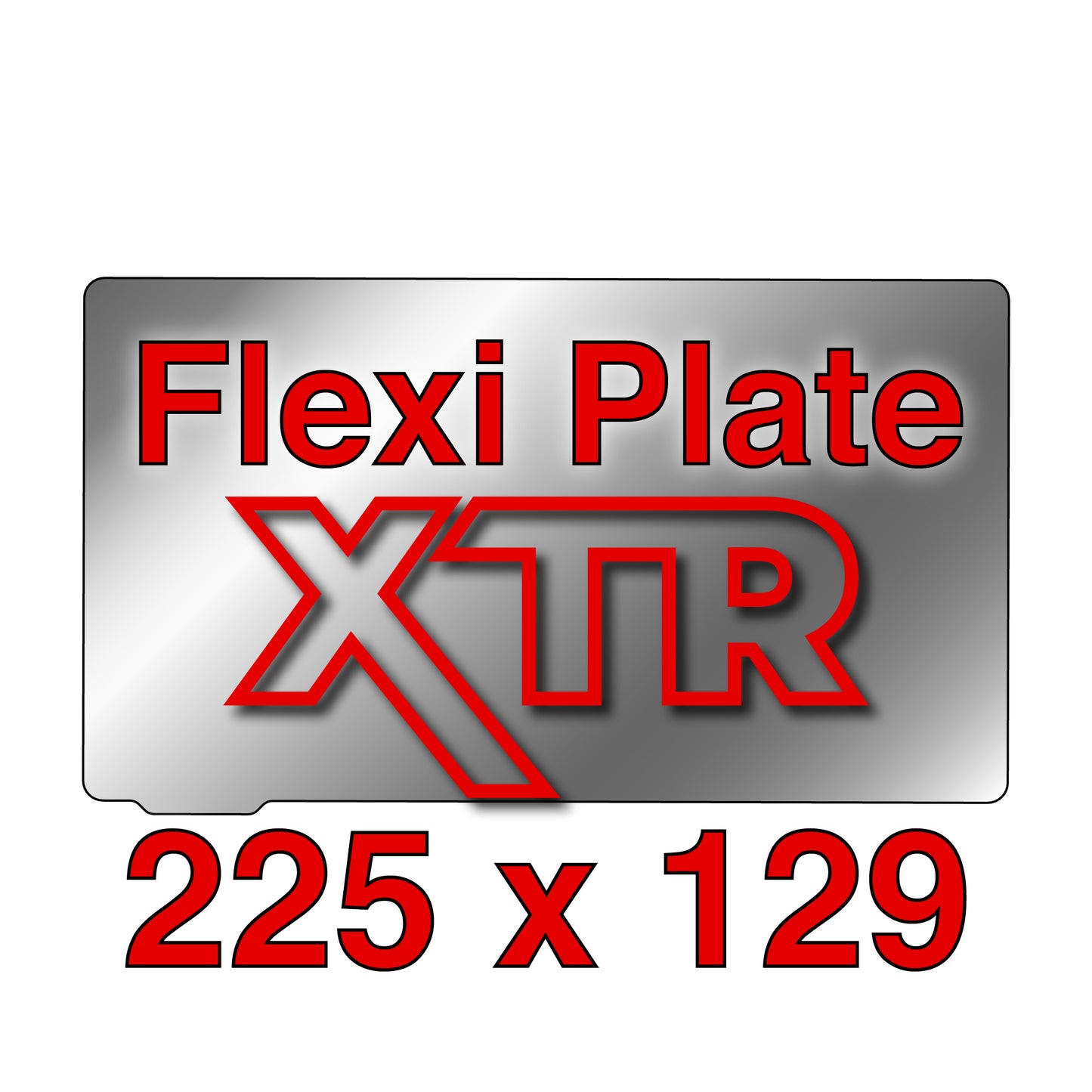
XTR Flexi Plate - 225 x 129
Couldn't load pickup availability
Product Details
Fits: Elegoo Saturn Series
(Please see full printer list below on the 'Fits & Contents' tab)
Build your own kit and save on every part you add.
Choose exactly what you need: a Flexi Plate with a Magnetic Base; 2 Flexi Plates and a Magnetic Base; mix XTR and regular; or any combination that fits your workflow.
Important: If your printer does not already have a magnet installed, be sure to include a Magnetic Base.
Our XTR Flexi Plate is an extra thick spring steel, made with the same high quality, rustproof chromium alloy as our FBSR, providing extra stiffness to resist peeling and bending when printing edge to edge. The Wham Bam Flexi Plate is custom-etched on both sides to provide an exceptional grip for your first layer.
Explore more info on the Flexible Build System for Resin.
• Elegoo Saturn 2K 8K
• Elegoo Saturn 3
• Elegoo Saturn 3 Ultra
• Elegoo Saturn 4
• Elegoo Saturn 4 Ultra
• Elegoo Saturn 4 Ultra 16K
• Elegoo Saturn 8K
Do you have a printer similar to what's listed under Printer Fits or May Fit?
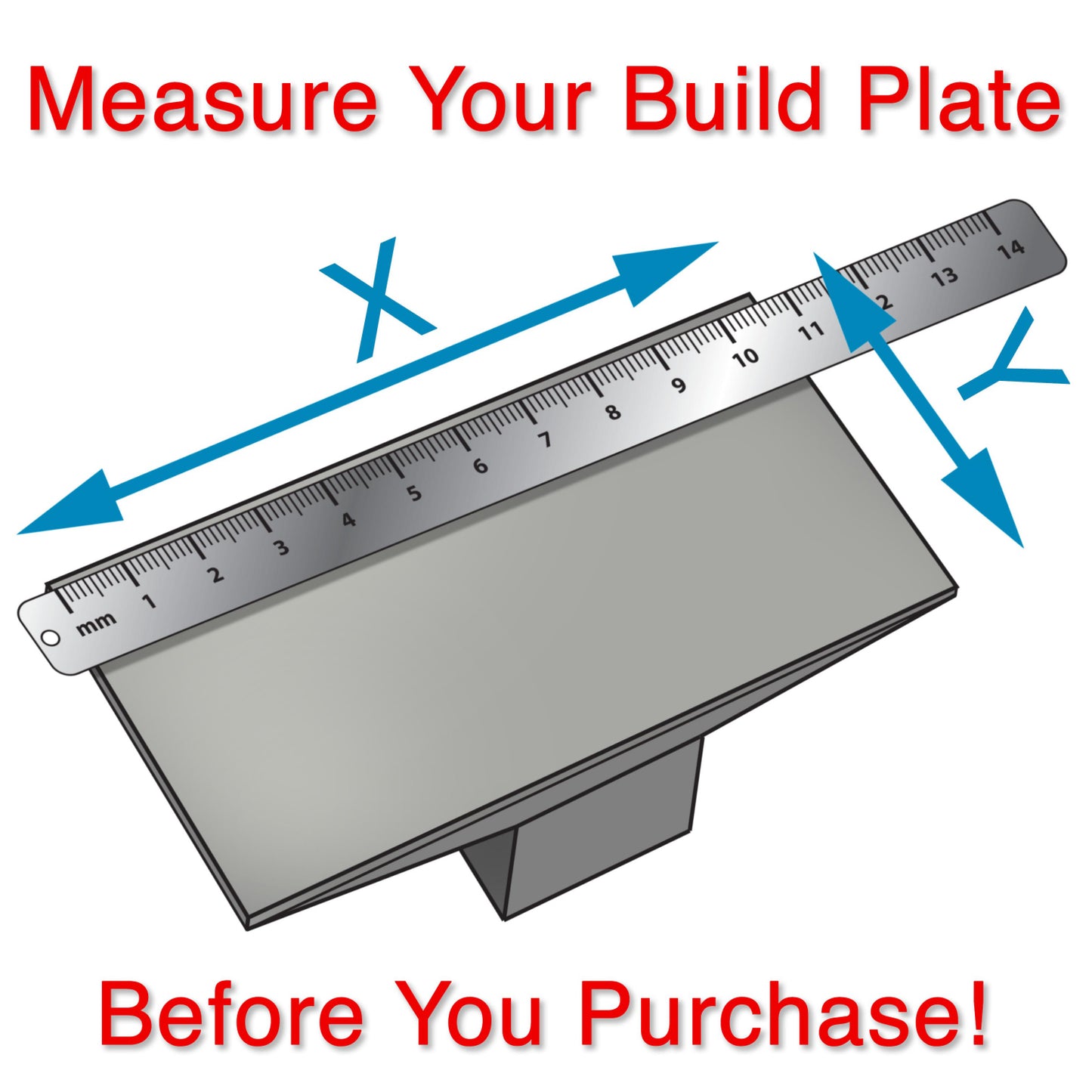
If you have a printer similar to the one described above and believe our solution could work for your printer, please follow our easy instructions on measuring your build plate. Let us know if your printer matches our specifications or is even close! We’d love to hear about it, and you might even receive a discount on Wham Bam® merchandise for your efforts. Click here for more info.

Includes:
1 XTR Flexi Plate - 0.6mm spring steel
**XTR Flexi Plate only, no XTR Magnetic Base included**
Find the complete kit here.
Size: 225 x 129 mm
Sanding The Flexi Plate for more grip:
You can scuff one side of the Flexi Plate with 400 grit wet dry sandpaper (and clean well with IPA and the fresh paper towel a few times until the paper towel comes away clean) to get more grip.
Need Even More Grip? Try this tip:
If even more grip is needed use 320 or even 220 grit. Keep one side with our original etched surface and the other sanded, you can flip over as needed.
Resin Printing Best Practices with the Wham Bam Flexible Build System
You can wash parts on the Flexi Plate
You can wash parts on the Flexi Plate or remove them from the Flexi Plate and wash parts separately.
Never cure on your Flexi Plate
Never cure parts on the plate to avoid depositing cured resin on the Flexi Plate.
Never leave resin between Flexi Plate and Magnetic Base
Do not leave your Flexi Plate on the Magnetic Base with resin between the two for longer than 2 hours.
Stuck Parts
Large rigid parts will pop off when you flex the Flexi Plate, but smaller supports may stick. For stubborn areas, carefully scrape with a spatula, chisel, or razor blade. If necessary, retouch the surface with 400-grit sandpaper.
Always clean your Flexi Plate & Magnetic Base between Prints
Always clean your Flexi Plate well with isopropyl alcohol and let it dry completely before placing it on the Magnetic Base.
Always Clean your Magnetic Base with isopropyl alcohol and let dry completely before replacing the Flexi Plate.
Extremely difficult to remove the build platen because of magnetic forces. I have asked Wham Bam for help but no solutions forthcoming.
Hello Herman,
This is Peter, founder of Wham Bam Systems.
Sorry for your disappointment and issues.
I see my technical support person Oscar had been communicating with you and asked you a question to better help you, but did not receive an answer.
Let me try to help you with your issue.
Magnetic Forces
If your forces are too great when trying to remove the magnet there are a few possible reasons and solutions.
Our XTR Magnets are very strong intentionally to resist the suction forces caused by the machine.
Magnets are very effective in forces perpendicular to the surface but not in peel or sheer, buy flexing the Flexi Plate up in one corner you can relieve the magnetic attraction and release the plate.
Most likely:
When you are printing a full bed plate or very large print, the part will not allow the plate to flex and thus it is very difficult to remove.
Questions:
Does this hard force happen when printing smaller parts?
Are you removing the full build head after a print to remove the Flexi Plate and Part?
Solutions:
1. Remove the full build head and place on the table and try to flex the tab of the Flexi Plate up, this should help to relieve the tension and release the magnetic grip.
2. If your Part is very large - consider printing on supports rather than flat on base, the supports will allow a flexible area under the part to give the Flexi Plate more flex and be much easier to remove
3. Ensure that there is no resin between the Magnet and the Flexi Plate, clean well after prints, and reassemble only when dry.
If you can give me a bit more information I can help you to get the most out of this machine
Thank you!
my best,
Peter
nearly had my build plate crash thru my vat since it was not specified that I needed to add a spacer to the Z-stop to keep the system from crashing even when properly zero'd
Hello Matt,
I am sorry for your frustrations.
However, before installing any upgrade to your machine you need to read the product literature.
On the product page of our website under installation there is a full video showing installation and discussing the Z-stop spacer and even telling you to print this and install it before you install our kit.
Video here: https://youtu.be/JrIeuAgX7vI
On our Technical Support Page you can download full installation Instructions: https://www.whambamsystems.com/pages/fbsr-kits-support-page
You purchased and XTR and these are the download instructions that give all clear steps: https://cdn.shopify.com/s/files/1/0016/6179/6450/files/FBS_Resin_XTR_instructions12.pdf?v=1698365290
Our Kits also ship with printed instructions.
We basically tell about the spacer in many places and videos.
Thanks for your understanding!
The installation process for this is easy except for the adjustment for the printer which the link should be updated for that. As for actually using it it's great. Just flex it around a bit and some stuff just falls off or you can slide it off. After scuffing the surface as the instructions say I have had no issues with print adhesion. I definitely advise using this over the regular build plate and having to scrape it off and having things go flying sometimes. I can use the soft plastic scraper to remove the prints that don't want to just fall off.
The wham bam plate and magnet are very good quality and strong, but present some drawbacks. They take up a lot of volume in your resin vat, so you have to refill more frequently. They are another few surfaces that need to be cleaned every cycle. And pulling the plate of the magnet tends to "spring" and launch bits of resin all over your room. If your prints are too small and don't pop off the plate, it's more difficult to hold onto when scraping the prints off. It’s tricky to line the plate up with the magnet for new prints, and the plate doesn't always sit flat against the magnet, leading to adherence issues & print failures the next cycle. So, consider the draw backs before buying.
Printing process is now super easy… got rid of spatula. I’m printing dental models flat on plate, so it was a nightmare to get them off of the plate… now I just “flex” the plate and BAM all models are off. Thank you